Deck Style, Colors and Text Styles
Overview
Sixty cards, one look. Three settings keep a whole deck looking like one deck. Deck style gives every card the same frame, back pattern and rarity mark. Your colors keeps a short palette within reach. Saved text styles let you restyle every Title or every Body box by changing one thing. Deck style applies to every card in the deck, and colors and text styles are shared across the whole project.
Find the deck settings
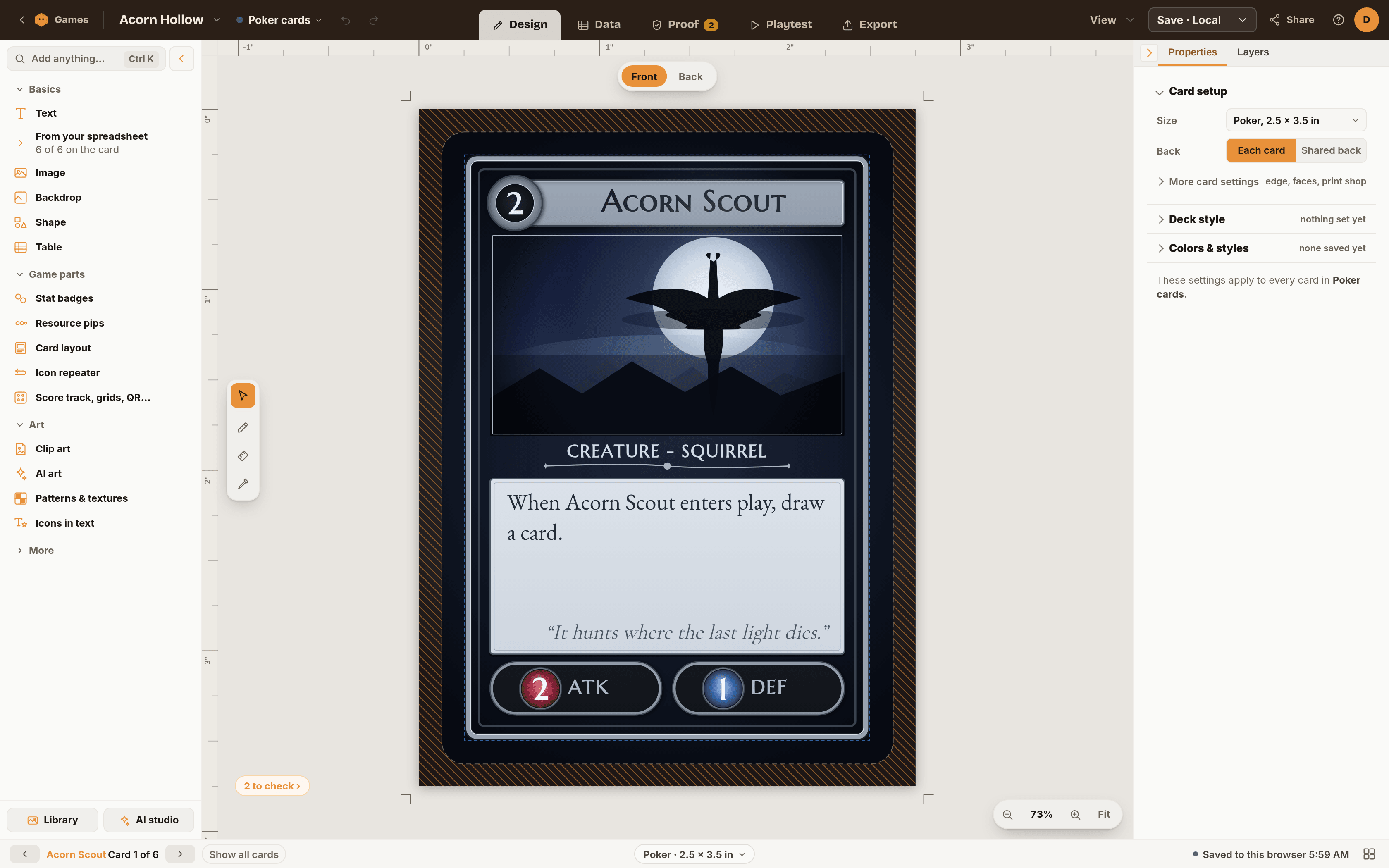
Click an empty spot on the card so nothing is selected. The inspector on the right then shows the settings for the deck itself: Card setup, Deck style and Colors & styles. Deck style and Colors & styles start closed, and a short line beside each says what is set, for example "Frame: Classic · Back: Radial".
Prefer the keyboard? Press Ctrl + K and search. These folded sections each have an entry that opens them and jumps straight to the right control:
- Frame style
- Card back pattern
- Rarity mark
- Your colors
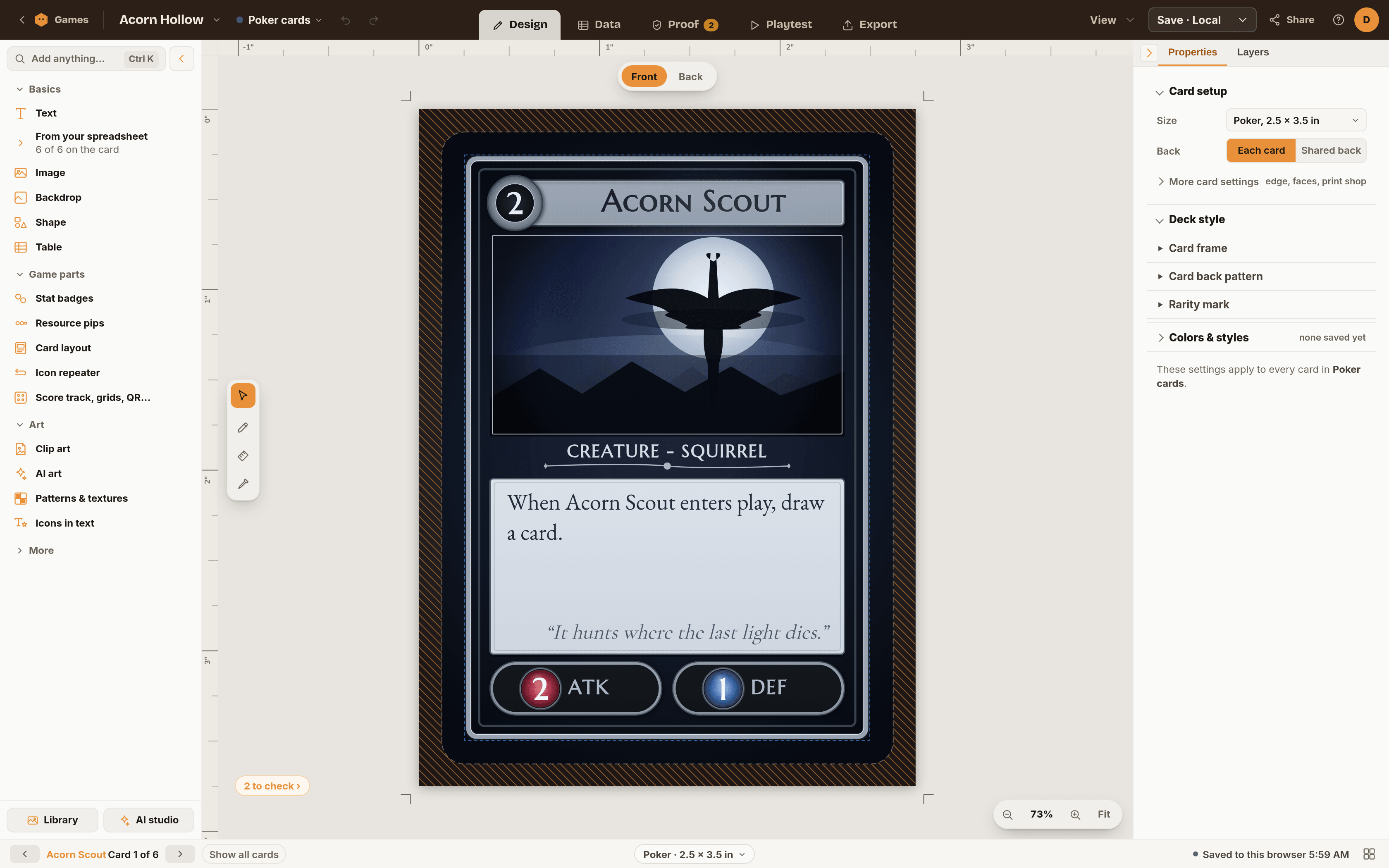
Deck style
Inside Deck style are three groups.
- Card frame. Choose a style: None, Classic, Ornate, Art Deco, Fantasy or Sci-fi. Once one is chosen you also get Color, Second color and Width (4 to 20 px).
- Card back pattern. Choose None, Geometric, Radial, Celtic, Art Deco or Hexagonal, then set Color and Second color. Same pattern upside down keeps the back looking identical when the card is turned around. Browse textures lets you use a texture instead.
- Rarity mark. Choose None, Common, Uncommon, Rare or Mythic, then pick a corner: bottom right, bottom left, top right or top left.
The note at the bottom of the section names the game and confirms these settings apply to every card in it.
Your colors
Open Colors & styles and you will find Your colors. It holds up to 12 swatches you want to reuse.
- Open any color picker in the inspector and click the small bookmark with a plus beside the color. Its tooltip reads "Add this color to your game's palette".
- The color appears in Your colors, and as a quick swatch under other color pickers in the inspector.
- Click a swatch in Your colors to copy its color code. Right-click a swatch to remove it, or choose Clear all.
When the palette is full, saving a 13th color pushes out the oldest one.
Saved text styles
A saved text style is a named bundle of text settings: font, size, weight, color, alignment, line height and letter spacing. Change the style and every text box using it follows. Shapes can have saved styles too, for fill and stroke.
Create a style
- Make one text box look the way you want.
- With it selected, find Saved style in the inspector and click the + button.
- Name it something you will recognize, like "Card title", and choose Save style. The box starts using it right away.
No styles yet? Add starter styles gives you Title, Body, Flavor and Stat to begin with.
Apply a style
Select a text box or shape, open Saved style and pick a name from the list. Values that come from the style show in the accent color. Change one of them on this box and it becomes a local override that the style does not touch. The detach button bakes the style's values into the box so it stops following the style.
Edit, rename or delete
Open Colors & styles then Saved text styles. Each row has Edit, Rename and a × to delete. Deleting asks first: boxes using the style keep how they look now and stop following it.
Same size on every card
Spreadsheet-driven decks have short names and long ones. Under each text style is a checkbox, Same size on every card. Turn it on and every box using that style shrinks to the one size the wordiest card needs, so every title in the deck matches. The row then tells you the result, for example "fits the wordiest: 14 pt". Before a spreadsheet fills the text, it says the setting works once one does.
Troubleshooting
- I cannot find Deck style. Click an empty part of the card first. With something selected, the inspector shows that element instead. Or use Ctrl + K.
- A text box ignores my style change. It probably has a local override. Detach it, or re-pick the style from Saved style.
- The 13th color replaced another. The palette holds 12. Remove ones you no longer use.
- Same size on every card does nothing. It needs a spreadsheet filling the text, and it does not apply to shape styles.
- A style changed more boxes than I wanted. That is what a style does. Select the boxes that should differ and click the detach button so they stop following it.
Ready to try it?
Open the editor, it is free to try. Save one text style and watch it update every card.
Start Designing